
ReplayReimagined for DEX
Stop Asking Employees to Recreate the Issue.
Only Riverbed Aternity brings application Replay to DEX troubleshooting—reconstructing captured browser interactions and connecting them with device, application and network evidence. Service desk teams can investigate what employees experienced, identify contributing causes and resolve issues faster without screen recording or repeated employee interruptions.
Why Aternity Replay?
Reconstruct the Experience. Reveal the Root Cause.
Traditional session replay was built primarily for application and digital teams. Aternity Replay is purpose-built for DEX troubleshooting. It reconstructs supported browser interactions and correlates them with device, application and network telemetry—giving service desk teams the evidence to investigate what happened, identify contributing causes and resolve issues faster.
Benefits
From Interpretation to Evidence

See the Experience
Reconstruct captured browser interactions in supported web and SaaS applications to understand what occurred.

Fix Issues Faster
Correlate interaction evidence with device, application and network conditions to accelerate investigation.

Eliminate User Disruption
Reduce follow-up sessions and the need for employees to recreate intermittent problems.

Built for Enterprise Trust
Use browser interaction evidence rather than screen video, with enterprise capture and access controls.
How it Works
Replay Interactions
Aternity Replay uses supported DOM-level structure and interaction events captured in the browser to reconstruct eligible user steps and application responses. Unlike screen-video approaches, Replay provides interaction evidence without recording employees’ screens or typed content.
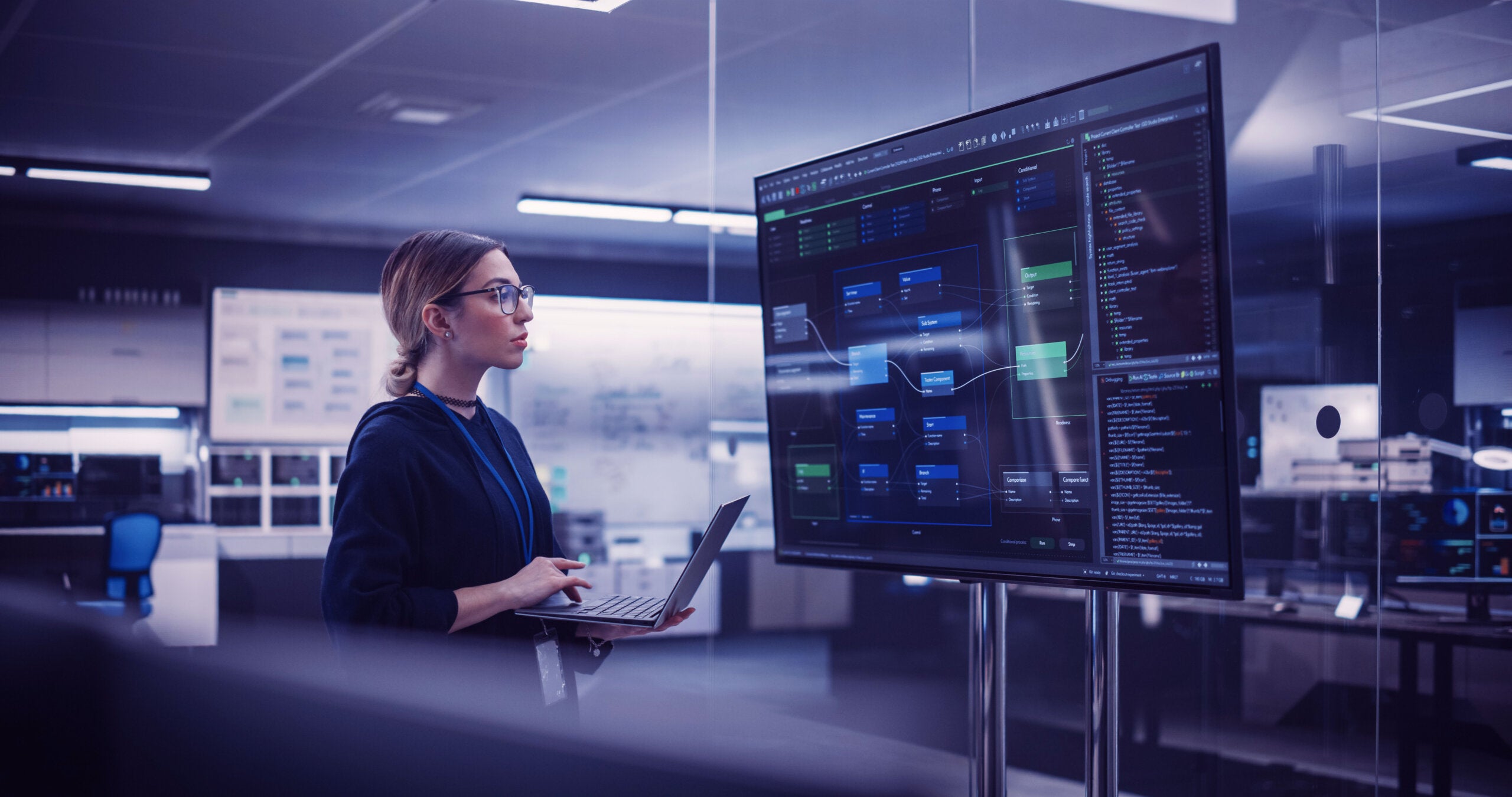
Aternity Replay
Aternity DOM-based browser replay correlated with endpoint telemetry
Context Explains Why Issues Happen
Reconstructed interactions can be correlated with available device, application and network telemetry—including CPU and memory pressure, Wi-Fi conditions and latency. IT can investigate which conditions coincided with a degraded experience and which may have contributed to the issue.

Aternity Replay: Faster IT Troubleshooting
DOM‑level replay with system context to resolve issues faster
Replay Web & SaaS Apps. No Application Code Changes.
For supported browser-based applications, Aternity Replay reconstructs eligible interactions without embedded replay scripts or changes to application code. Administrators define capture policies; supported browsers and deployment requirements apply.

Zero Disruption IT with Aternity Replay
See exactly what users experienced and resolve issues without guesswork
From Application Replay to Service Desk Intelligence
Traditional application replay primarily serves development and digital teams. Riverbed is the only DEX vendor bringing application Replay to IT service desk troubleshooting. Aternity Replay reconstructs supported browser interactions and correlates them with device, application and network conditions—giving IT the evidence to investigate intermittent problems without repeatedly asking employees to reproduce them.

Less guesswork. Fewer interruptions. Faster resolution.
A faster path to resolution
Evidence Without Screen Recording. Privacy by Design.
Aternity Replay reconstructs supported browser interactions using structural and event data—not screen video or employee-entered content. Configurable capture policies and role-based access help organizations govern collection and access while protecting employee privacy.
Role-Based Impact: Zero Disruption for Every Stakeholder
Aternity Replay transforms troubleshooting by replacing guesswork with clear evidence – reducing operational friction for IT while removing disruption for employees.

Service Desk & IT Ops
Investigate reconstructed interaction sequences alongside correlated telemetry, reducing repeat troubleshooting and unnecessary escalations.

CIOs & IT Leaders
Help teams reduce service-desk friction and strengthen evidence-led, governed DEX operations across supported applications.

Employees
Spend less time explaining or recreating technology problems and more time doing productive work.
FAQ'S
What makes Aternity Replay different from traditional session replay?
Riverbed Aternity is the only DEX vendor offering application Replay for IT service desk troubleshooting. Unlike traditional session replay designed primarily for development and digital teams, Aternity Replay reconstructs supported browser interactions and correlates them with device, application and network telemetry. IT can see what employees experienced, investigate root causes and resolve issues faster—without screen recording or asking employees to reproduce problems.
Can Aternity Replay help IT troubleshoot without asking employees to reproduce the issue?
Yes, when Replay capture was enabled for the supported application at the time of the issue. Authorized IT teams can investigate reconstructed interactions and available correlated telemetry, reducing reliance on employee recollection and repeat reproduction steps.
Does Aternity Replay record screen video, passwords or typed content?
Aternity Replay reconstructs browser interactions rather than recording screen video. Its documented privacy design is intended to exclude screen images, keystrokes, employee-entered text, field values and credentials from capture. Exact exclusions and supported configurations require Product, Privacy and Security approval.
Does Aternity Replay require application instrumentation?
For supported browser-based applications, Replay does not require application code changes or embedded replay scripts. Browser support, enterprise deployment requirements and administrator-defined capture policies still apply.
Related Products
Aternity Employee Experience
Aternity Replay is a core capability of Aternity Employee Experience. See how complete visibility across devices, applications, and networks helps IT fix problems faster across the digital workplace.
Zero Disruption
Go from reacting after disruption to preventing disruption before it occurs and from fragmented tools to unified, intelligent platforms.